Working With Linux (Mint, Ubuntu, Fedora, Kubuntu)
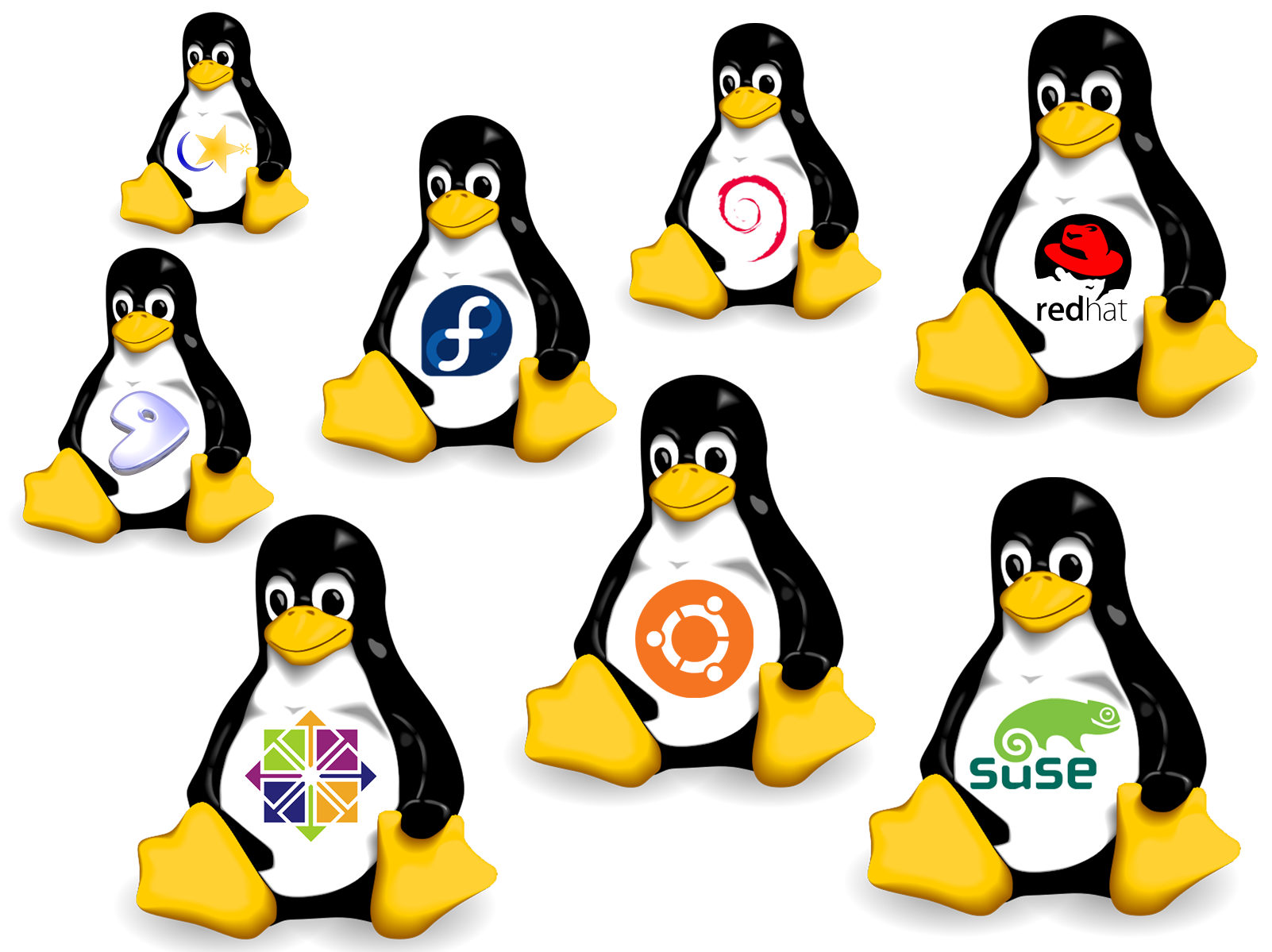
My time with computing, I’ve been looking at various ways to do what I need to do on the daily. Such as manage my social media pages, test systems using virtual machine software and sharpen my skills as much as possible through online research and practical testing.
Predominately, I have been very much locked into Microsoft’s operating system (Windows) for a majority of my time. Which is perfect for the market share of computing devices since 1994, it enables me to quickly find and troubleshoot issues.
But as the versions changed over the years, things have changed to a point where it’s growing to be somewhat frustrating to be a windows user. The constant push of features no one wants, the bloatware that comes with every installation, the requirements growing to be more and more troublesome to where it’s directly impacting E-waste figures due to hardware not being supported. It’s lead me to take a daring leap. I’ve strived to be as efficient with all my hardware as much as possible. For example, I have a Apple Mac Mini 2012 Intel machine that is still running to this day. What is it running? Why Linux of course!
Since Apple officially stopped supporting the hardware and at the time, there wasn’t any way to force the next OS version to run without affecting performance. I looked to Ubuntu to be the daily driver for a home server that managed ad traffic and hosts files. I want to say I had no issues installing Linux but it’s not as easy as putting a CD in and letting the disc do the work. This was my first time using USB sticks to boot from and not being fully aware of Apple’s boot menu. It was a scary time. So before I got it working, I also had a Macbook Pro from the same year. I wanted a way to ensure either Ubuntu or another distro (version) would run on Mac hardware.
This is where Mint came in handy. I started with that on my Macbook Pro on a Virtual Machine (I didn’t wish to overwrite my Mac OS as I was still studying at university) So I mounted the image file using a virtual CD drive and watched it soar. After a good chunk of time, I saw what looked like some scary command line text thinking the worst but then a flash of green splashed the screen and I started my journey into Linux computing.
So with Mint running, I had the best of three worlds at my disposal. Microsoft Windows 7, Mac OS Mountain Lion and Linux Mint. I had all my games on Windows, Work/study on Mountain Lion and any other tasks like emails or just for fun stuff on Mint. It was a wonderful experience and it opened my eyes to some very early terminal stuff to get some things to behave “Sudo apt update” and “Sudo apt upgrade” being the main ones I would enter hoping a new update would fix something but of course, with no understanding of what they did. I’m just glad the community of Linux are so supportive and kind. (Of course if you’re not using Arch though you’re a newbie.)
All jokes aside, this was a fantastic system I had because Linux is open and free! So no activation keys or exclusive hardware requirements. Just raw power ready to go. I was surprised that Linux would use so little resources compared to Mac OS and Windows. Mint was running on 4GB RAM and a single core! Whilst also running Mac OS as the master OS. Which leads to a key question. If Mac hardware can be software locked because of support for the hardware being limiting to how well Apple software can run, what is stopping Windows from doing the same thing?
Well with the introduction of the hardware requirement to install a TPM 2.0 module or have one in built to processors via BIOS updates. My question was answered swiftly with the release of Windows 11. Windows 10 was meant to be the final release of Microsoft’s flag ship software but with the rapid advancements in AI, they couldn’t afford to not chase the new hit craze. I don’t dislike the idea of having something that can optimize tasks, but I honestly think AI has been a huge shift in the tech world to the point where it’s almost too intrusive. Copilot being shoved into office applications and right on the desktop tempting you with buzz words and “look what I can do".
So what does AI have to do with me working with Linux? Well since I’ve had my Mac Mini running now consistently and with updates being optional rather than forced. I feel more empowered by Linux than I do with Windows. The only reasons I have it still on my personal machines is for gaming and hobbies. Now I’m fully aware that a majority of games now run well or better on Linux via Steam and WINE, however. It isn’t my entire library. Especially competitive titles as they require anti cheat that’s requiring kernel level access. (Basically the highest level of access to scan your system for anything malicious or nefarious.) But it leads to the very same question, if other companies can lock things down, and they can access our machines via kernel access. What’s to stop them from acting badly or becoming compromised to a point where the anti cheat turns into dangerous malware. It’s all things I’m sure most power users worry about regarding gaming and I honestly am growing to find that competitive titles aren’t worth my time anymore. Instead I’m leaning towards emulation and running classic games now during my down time. I also have yet to find a DAW that will run as well as Fruity Loops with all it’s plugin suite too so I can continue writing obscure music.
So I took the plunge with my work laptop (Lenovo Thinkpad T14s Gen 1 AMD Ryzen 5 Pro) I removed all of Windows 11 from it. With slight anxiousness I chose my distro. Mint was not my first choice here as it looked too dated almost Windows 98 dated and green. So Ubuntu would be logical here right? Well with Ubuntu running on GNOME (A desktop environment with touch input in mind) I felt I was limiting myself a lot and spending memory resources on features I didn’t need. So If Mint is outdated and Gnome is too heavy. What options do I have? Well thanks to KDE being another option that’s very similar to Mint and Windows. It felt like the right fit. And I was right but do I stick with Ubunutu or try something else?
I opted for Fedora. Why? Well I wanted something that’s been tried and tested for a while, that isn’t too “Newbieish”, has a variety of ways to install applications as well as extensions without needing the terminal too much (command line entry.) and can look very pretty too. Here is a screen shot of my desktop!
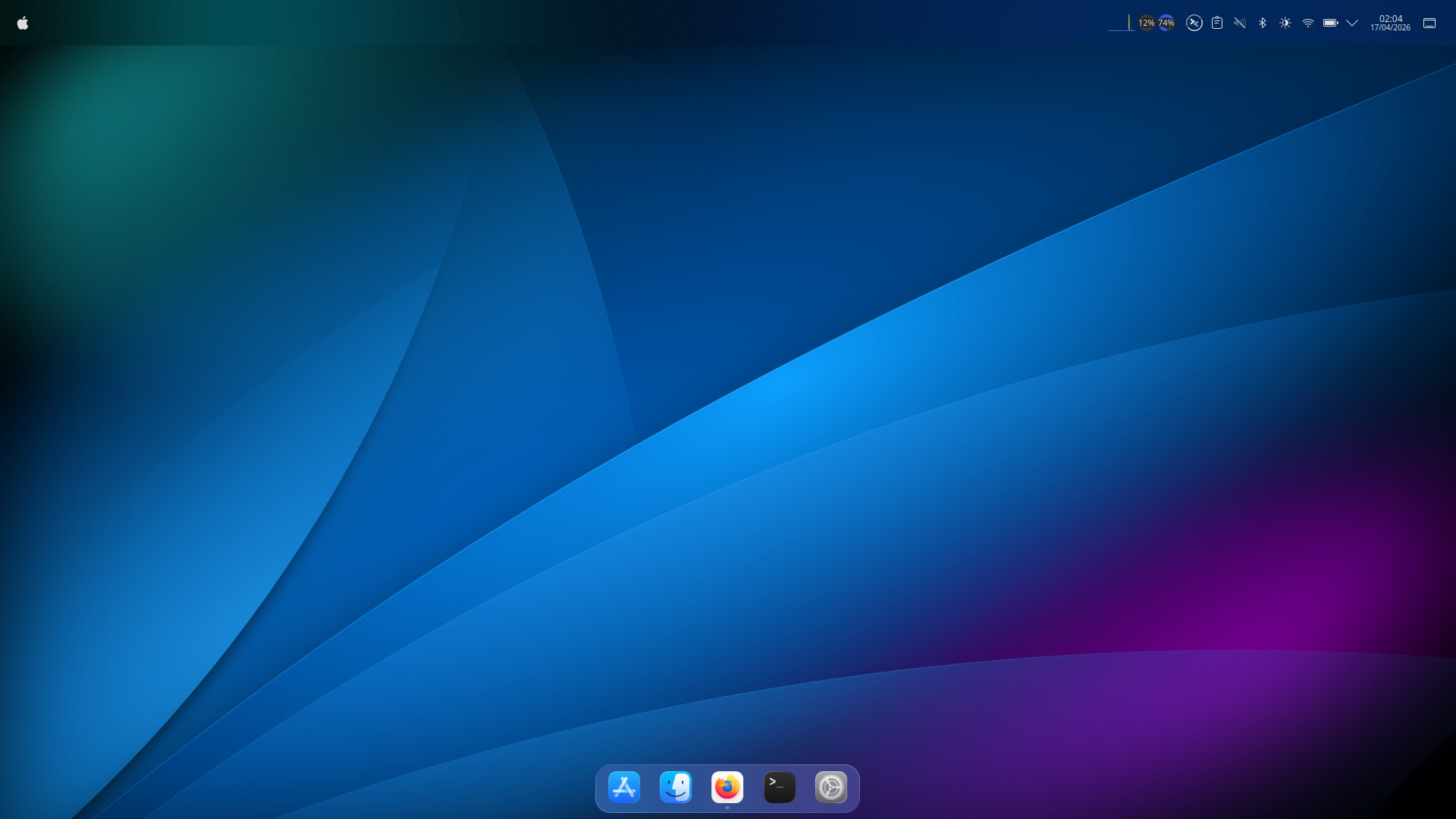
I know what you’re thinking. It looks as pretty as Apple, it has the dock and everything! And you’re right, but clicking on the top left corner opens a menu of all applications similar to Windows. So Apple looks, with the Windows Start Menu. Nice.
But it’s not just looks that drew me in, it’s how dang fast it is on 8GB Ram and 12 cores! It’s instant and doesn’t have to wait for anything to finish loading in the background. Because there are no bloaty software installed!
Another key question a lot of people are likely asking is, “If Linux is so great, then why isn’t it so readily available for everyone to purchase?” Well because of it being such a small part of the community in terms of desktop use cases thanks to Windows taking the market by storm early on. It’s not as easy as walking into your local computer store and having it pre installed. Instead, you have the power to give it go on your machine right now with ZERO downloads!
Distrosea allows you to create a virtual version of Linux right in your web browser so you can have a look at what baseline distros look and feel like. Don’t like the look of Arch or Manjaro, try something different! Check out the link below to give it a try much like I did with Mint years ago. I used it recently to take a peak a Kubuntu so I could change up the Mac Mini!
Once you’ve found your flavour, then it’s a case of heading over to your preferred search engine and finding the ISO file to write to a USB stick, plugging it in and booting from it, then install or try it. Yes, you can try before you install with Linux, so if it doesn’t load correctly to desktop or you change your mind, you are not immediately locked in and stuck undoing all of your installation. You just shutdown and remove the USB.
So I think I’ve done enough to explain Linux as much as possible, the feel, the ecosystem and the amount of availability for different versions. What I haven’t really touched on is the software. As it’s open sourced programmes powering a majority of distros, you get to enjoy all the fruits of an office package for free, you get to edit images, for free. You get to design things in 3D using Blender. For FREE! That’s the key take away with Linux. It’s free just like computing should be. No limitations from the operating system, no unwanted features, just pure freedom to do what you wish to. And that’s exactly why I’ve been working with Linux as my daily driver.